Writing on AI, learning, and the web
These are the notes I keep while doing the work: migrations off page builders, editorial CMS rebuilds, the technical-SEO fixes that actually move rankings, and plain-language explainers for the parts of WordPress that trip people up. Some posts are written for developers; others are for the person who just inherited a site they did not build. I write them the way I would explain a problem to a neighbour who asked, without jargon for its own sake and without pretending a hard thing is easy. If something here helps you fix your own site, that is the point.
-
How to keep WordPress publishing sustainable for the next decade
The engine underneath is good enough to build the next decade on. The dashboard we all learned on is the part showing…
-

Drupal to WordPress: the two things you can’t afford to break
I helped move Canada’s Parliament newspaper off Drupal in 2011. Here is what survives that move, what gets rebuilt, and the two…
-

The Free Shelf, September 2026: 20 images, 16 3D models, and two WordPress releases
There is a box at the end of a driveway near me most weekends with FREE written on the side in marker,…
-

Tending thirty domains I’d half-forgotten I owned
A week spent tending the side domains I had half-forgotten I owned, meeting Claude’s new model Fable on real work, and letting…
-
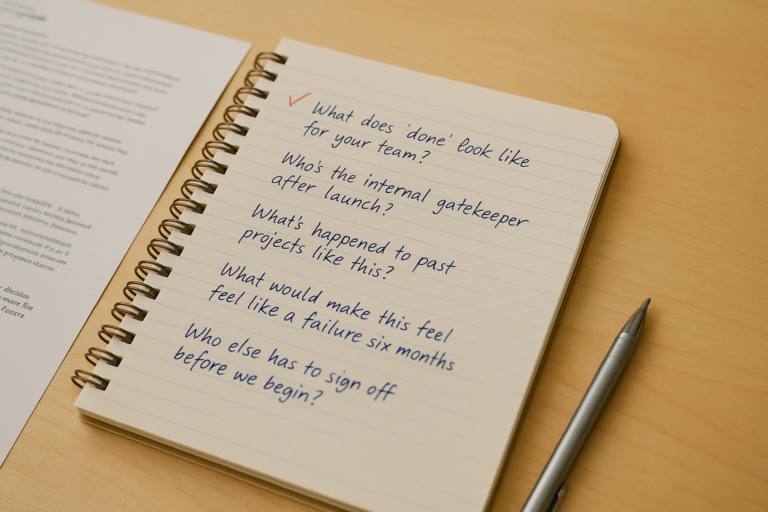
The 20-minute discovery call: what I ask, why I ask it, and what a good answer sounds like
The questions Christopher asks on a 20-minute WordPress discovery call, why he asks them, and what a procurement-quality answer sounds like for…
-
Wix to WordPress: how to know when you’ve outgrown it
A practical migration checklist for moving Wix to WordPress with better structure, maintainability, and SEO continuity.
-

Is it safe to use AI tools with student data?
It can be, but the question splits in two. Whether a vendor trains on your content is a contract term, and all…
-
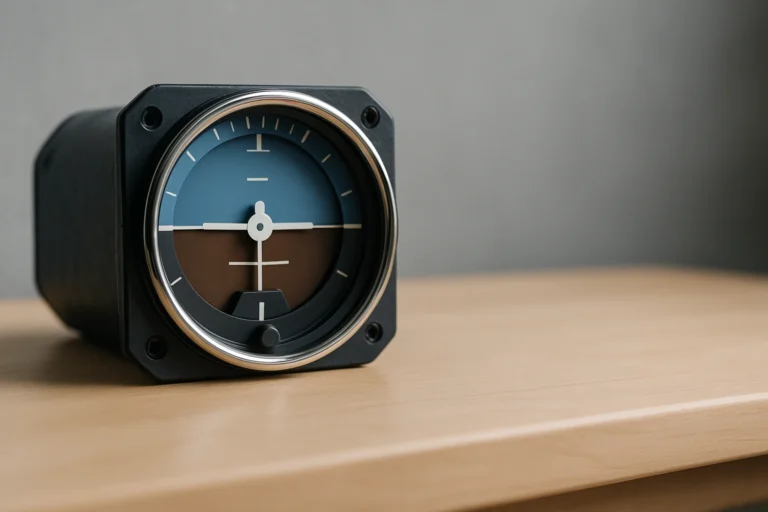
What learning to fly blind taught me about Google Analytics
A hooded cockpit, a lying inner ear, and the instrument habit your website needs. Why Search Console matters more than the leads…
-
Who gets to take the course: the access audit that decides it, and why most sites fail it
AODA-compliance audits for federal-vendor contracts are different from generic accessibility scans. Here is what a procurement-grade audit covers, who signs off, and…
Working on a WordPress challenge? Get in touch