Writing on AI, learning, and the web
These are the notes I keep while doing the work: migrations off page builders, editorial CMS rebuilds, the technical-SEO fixes that actually move rankings, and plain-language explainers for the parts of WordPress that trip people up. Some posts are written for developers; others are for the person who just inherited a site they did not build. I write them the way I would explain a problem to a neighbour who asked, without jargon for its own sake and without pretending a hard thing is easy. If something here helps you fix your own site, that is the point.
-

Behind the scenes: the week my own guardrails knew better than I did
I started the week planning to make my work sharper, and I ended it having been corrected three times by software I…
-

Accessibility video in 2026: more than subtitles
Watch enough recorded lectures with the auto-captions on and you will eventually hit the moment: the captions turn a lecturer’s name into…
-

What a Moodle LMS actually costs
I should tell you my bias before you read a word of this. I build WordPress learning platforms for a living, and…
-
Social desirability bias: why your best customer feedback may be your least honest
Part 1 of Trust Your Own Data, a four-part series on whether you can believe the numbers your business collects about itself.…
-

High-availability WordPress for education: what it means and when a school actually needs it
I could sell high availability to every school that asks me about it, and most of them would sign. Uptime is an…
-
Is using AI cheating? It depends what you’re being tested on
Open a translation app at a restaurant in a country whose language you do not speak and you have done exactly what…
-
Your WordPress now has an AI layer, and it still needs your judgment
A practitioner’s read on WordPress 7.0: the AI infrastructure it shipped, the real-time collaboration it pulled, and what the release means for…
-
What internal training platforms actually get judged on
Selling a course and running training inside a company are different jobs. One fights for attendance; the other already has it, and…
-
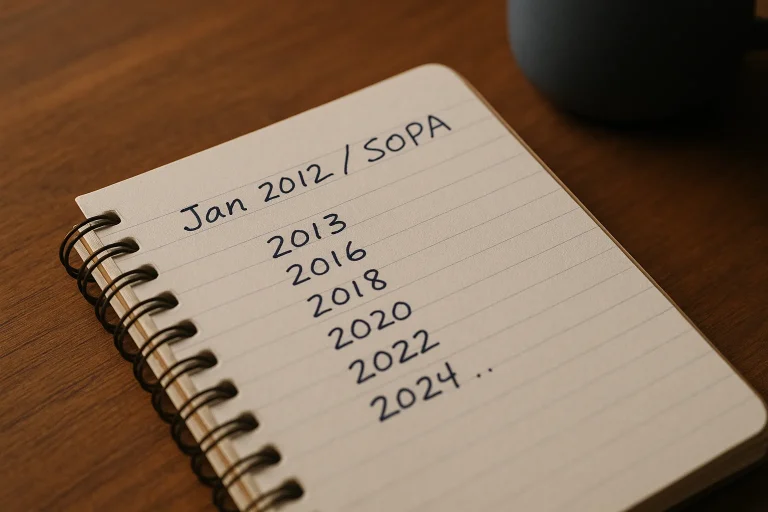
Is WordPress dead in 2026?
Every couple of years someone announces WordPress is dead. The cause is always different; the platform keeps surviving. Here’s what fourteen years…
Working on a WordPress challenge? Get in touch